
01
Add an item with a quantity
Enter what you keep and how much of it you have — six tins, two bottles, one pack. Every item carries its own count, so the shelf in the app matches the shelf in the kitchen.
CoreReserve keeps count of everything you keep at home — the pantry, the household cupboard, the medicine cabinet. Give each item a quantity and a "running low" threshold, and the app tells you straight away what needs restocking.
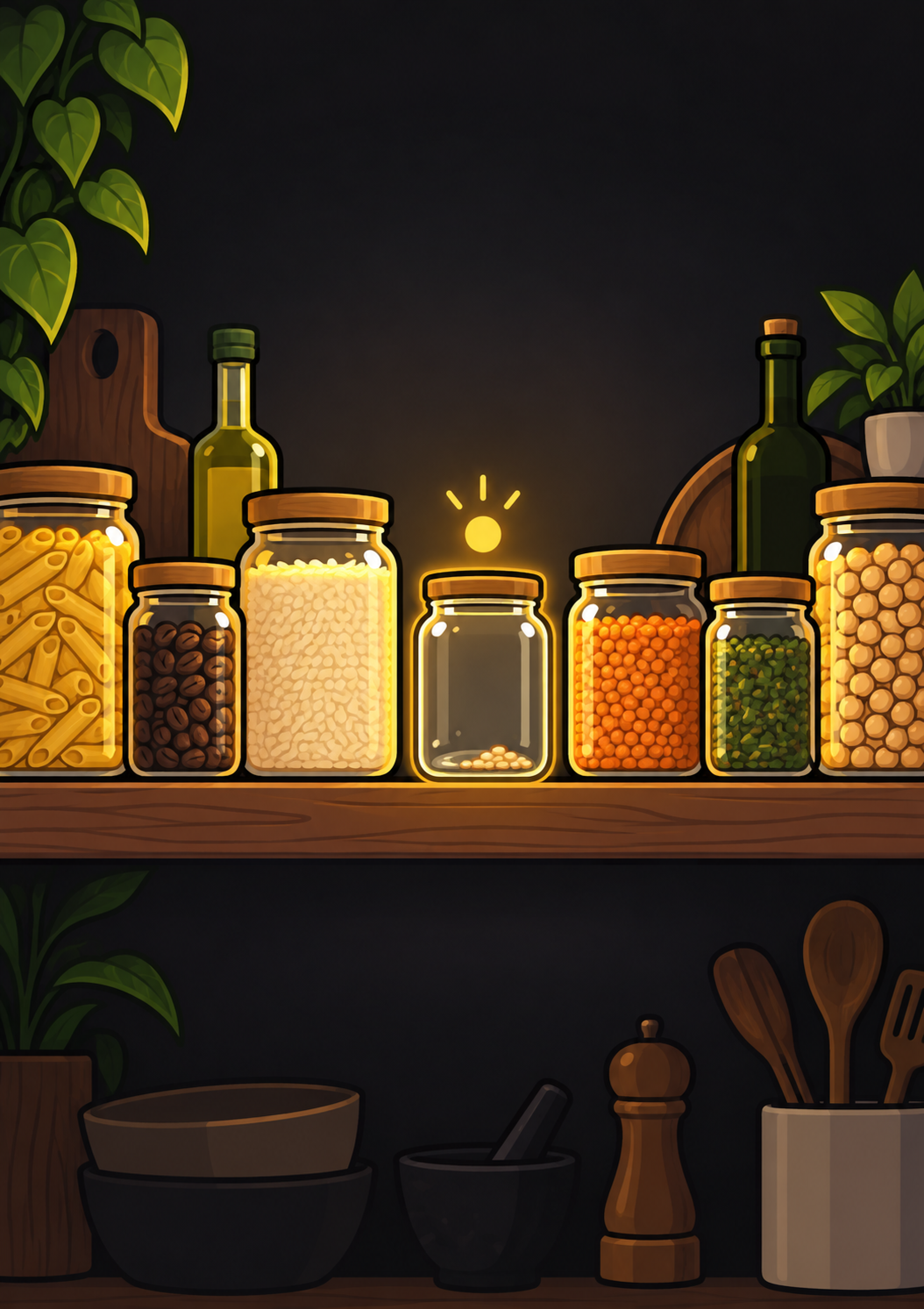 1 item below threshold · Rice
Enter what you keep and how much of it you have — six tins, two bottles, one pack. Every item carries its own count, so the shelf in the app matches the shelf in the kitchen.
Decide the point at which an item counts as nearly gone. Two rolls of kitchen paper might be plenty; two packs of painkillers might not be. The threshold is yours to pick, item by item.
The moment a count drops to its threshold, the item moves to the top as running low. Open the app before you leave the house and the shopping list has already written itself.
Items sit in the categories you give them — pantry, cleaning, first aid, frozen, whatever fits your home. Each category can be read on its own, so stock-taking stays one cupboard at a time.
Used the last two eggs? Swipe the row to take the count down, or up again after a shop. No forms, no dialogs — quantities change as fast as the cupboard does.
A running-low list that tells you what to buy, and a category chart that shows where your stock actually sits.
Swipe a row to adjust the quantity

Add your pantry tonight and the next shopping trip plans itself.
Download on the App Store